 Turkish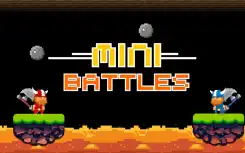
12 MiniBattles - Two Players
12 MiniBattles - Two Players
0.0 0 Plays
12 MiniBattles - Two Players
0.0
Arcade This is pure chaotic fun for two players! Each round is different thanks to the spinner, so you never know what you're going to get. It's super easy to pick up, really tests your reflexes, and will have you and your friend laughing. A total time-killer!
Reviewed and approved by our editor mesut.alpfidan.
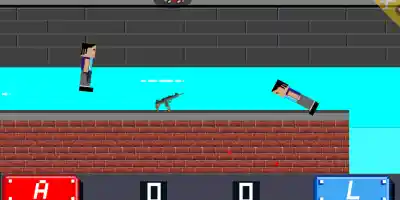
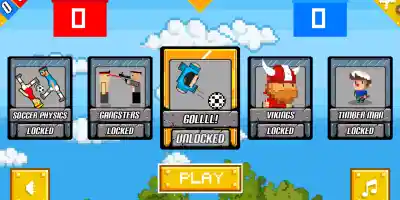
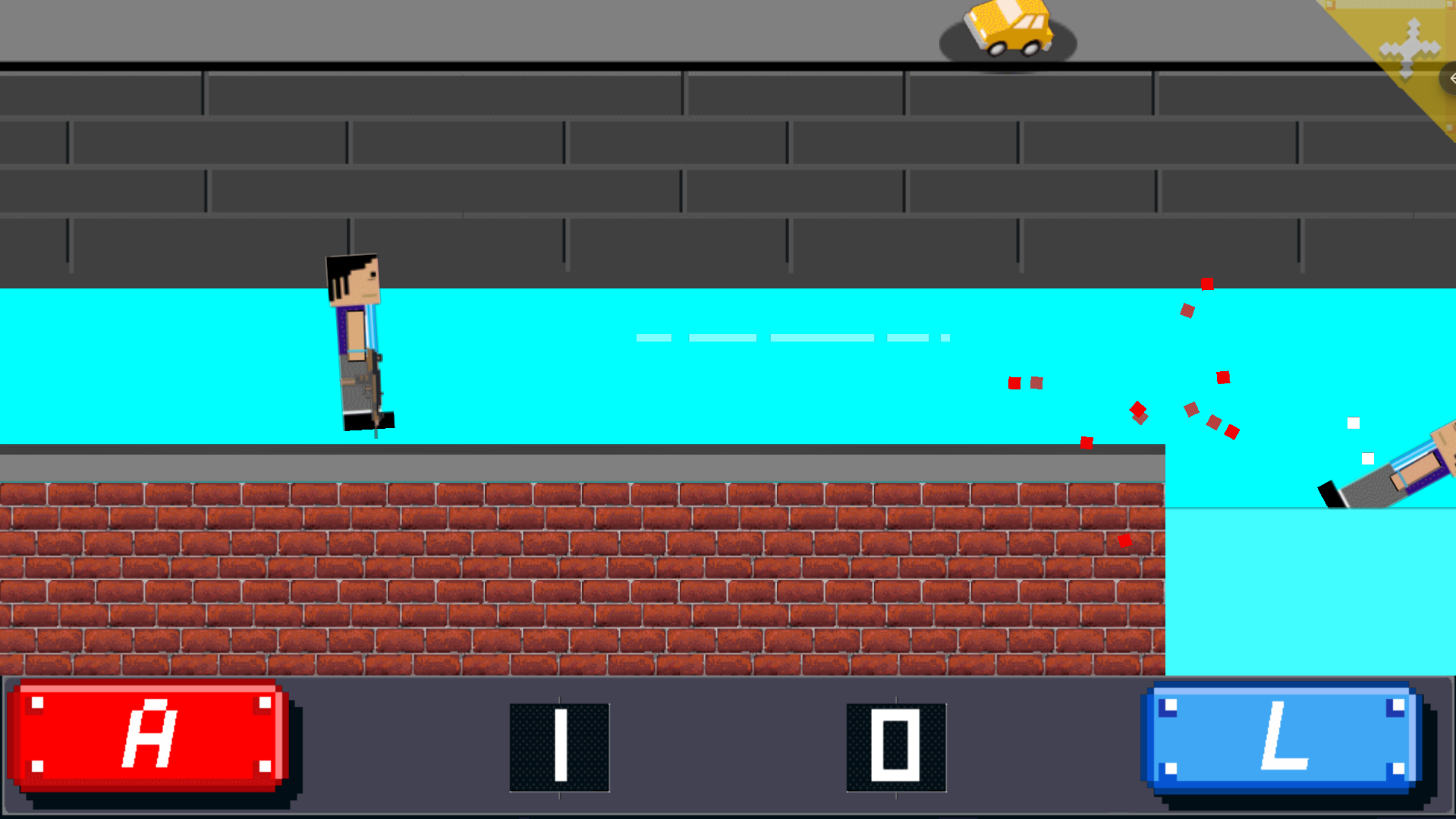
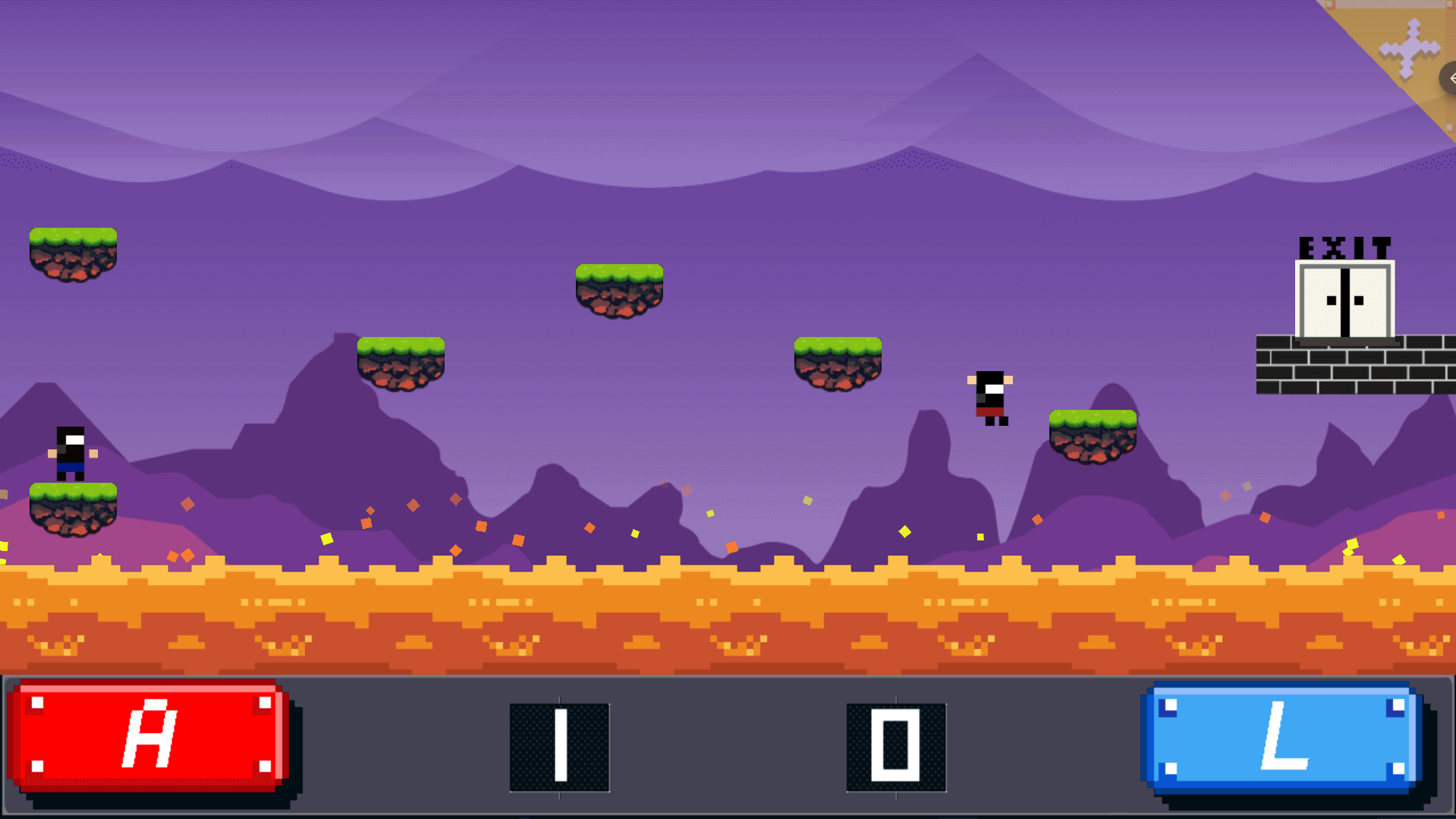
Challenge your reflexes and strategy in 12 MiniBattles, where each frantic round brings a new experience. Embrace pixel-art nostalgia with diverse, easy-to-learn games, ranging from sports to zany duels, all determined by a whimsical spinner. Perfect for two players seeking endless variety and thrilling competition.
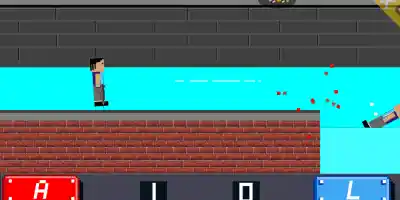
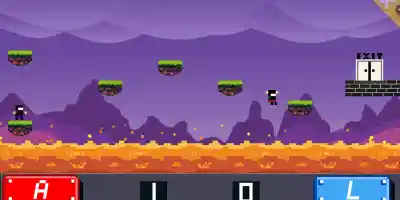
Play a variety of mini-games where a spinner determines the game mode. Compete against another player in quick, skill-based challenges.
Simple controls, usually limited to movement (WASD/Arrow Keys) and perhaps one action button, depending on the mini-game.
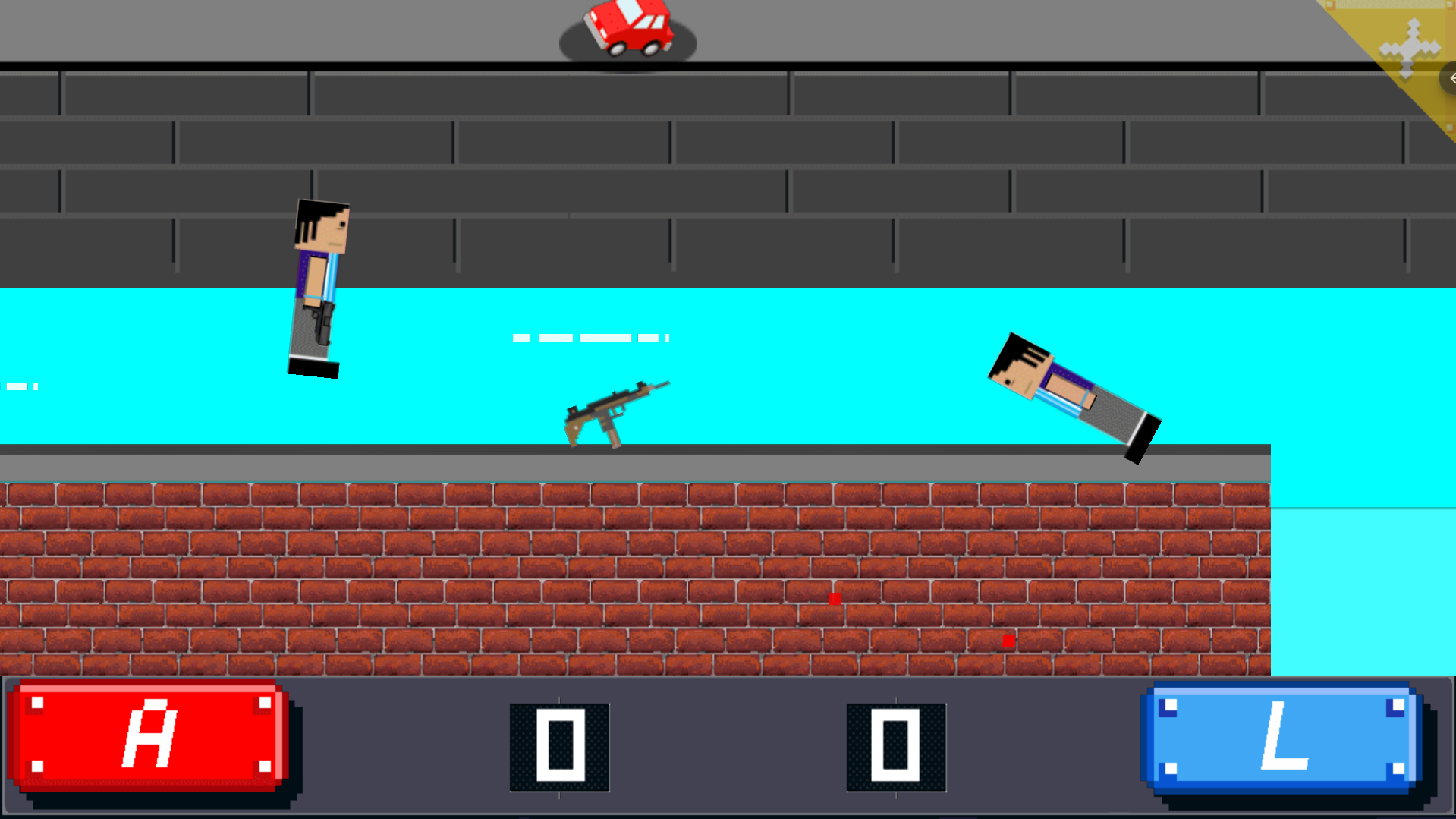
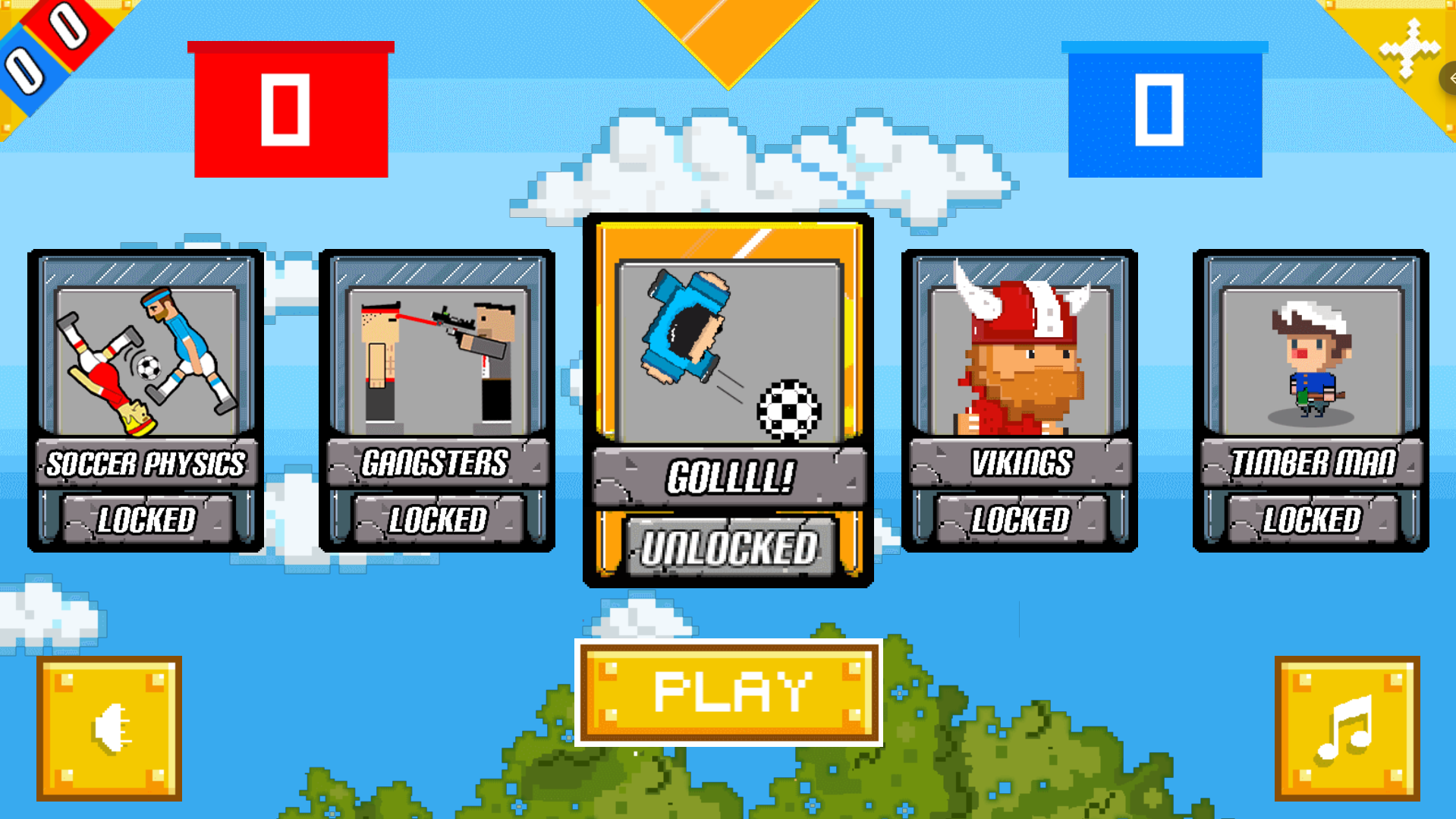
Game Info
0
Plays
27
Views
0
Shares
Release Date 14 September 2020
Last Update 1 April 2025
Orientation Landscape


Comments
0💬
No comments yet. Be the first to comment!
🎮 Related Games
🧿 Most Viewed
Astro Blaster
0.0
🧿 Most Viewed
Color Pathio
0.0
🧿 Most Viewed
Kobadoo Emojis
0.0
🧿 Most Viewed
Nubik Vs Zombies Arena
0.0

Toca Coloring Book
0.0
👑 Editor

PARK IT
0.0
🧿 Most Viewed
Puppets Cemetery
0.0
🧿 Most Viewed

Celebrity Couple Red Carpet Fashion
0.0
🧿 Most Viewed

Ice Cream Making
0.0
🧿 Most Viewed

Head the Ball
0.0
🧿 Most Viewed
Stickman Simulator Final Battle
0.0
🧿 Most Viewed

Draw Line Stickman
0.0
🔥 Popular
Mini Tennis 3D
0.0
🧿 Most Viewed

Soldiers duel
0.0
🧿 Most Viewed

Slidey Block
0.0
🧿 Most Viewed

School Fun Puzzle
0.0
Games Not Loading?
Safe Internet Deactivation Guide