 Turkish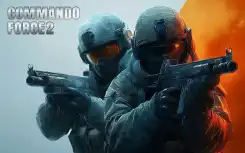
Commando Force 2
Commando Force 2
Editor's Choice 5.0 6 Plays
Commando Force 2
Editor's Choice 5.0
Action This one's got that classic shooter feel, easy to jump into but has enough depth to keep you hooked. Reflexes are key here, and the variety of weapons makes each match feel fresh. Good for a few quick rounds or a longer session.
Reviewed and approved by our editor Pikibi.
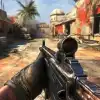
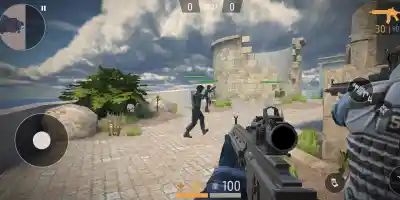
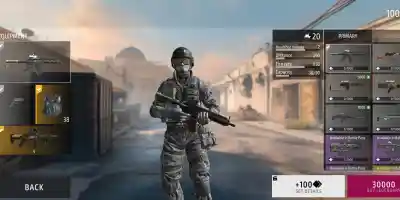
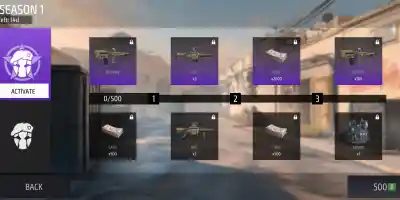
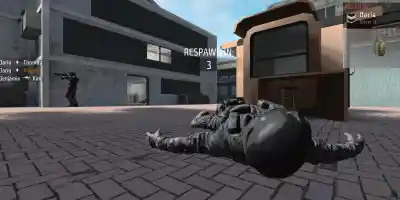
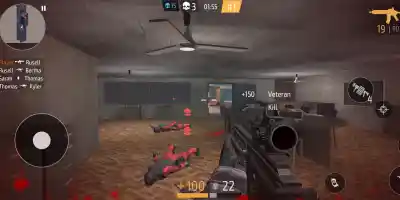
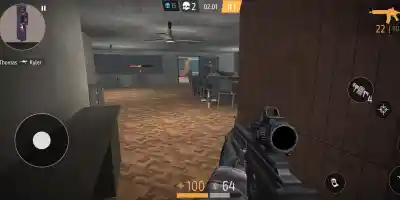
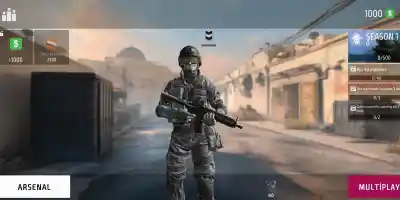
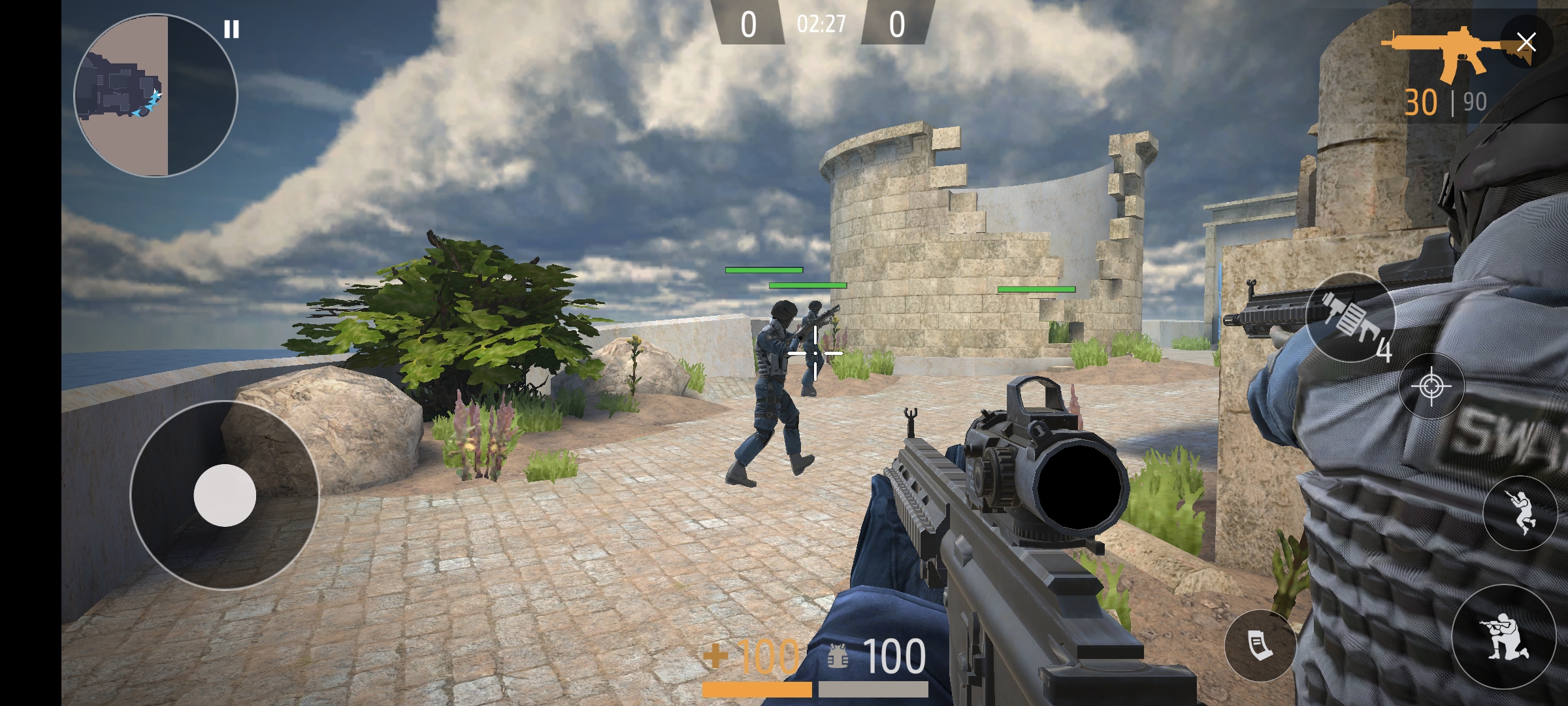
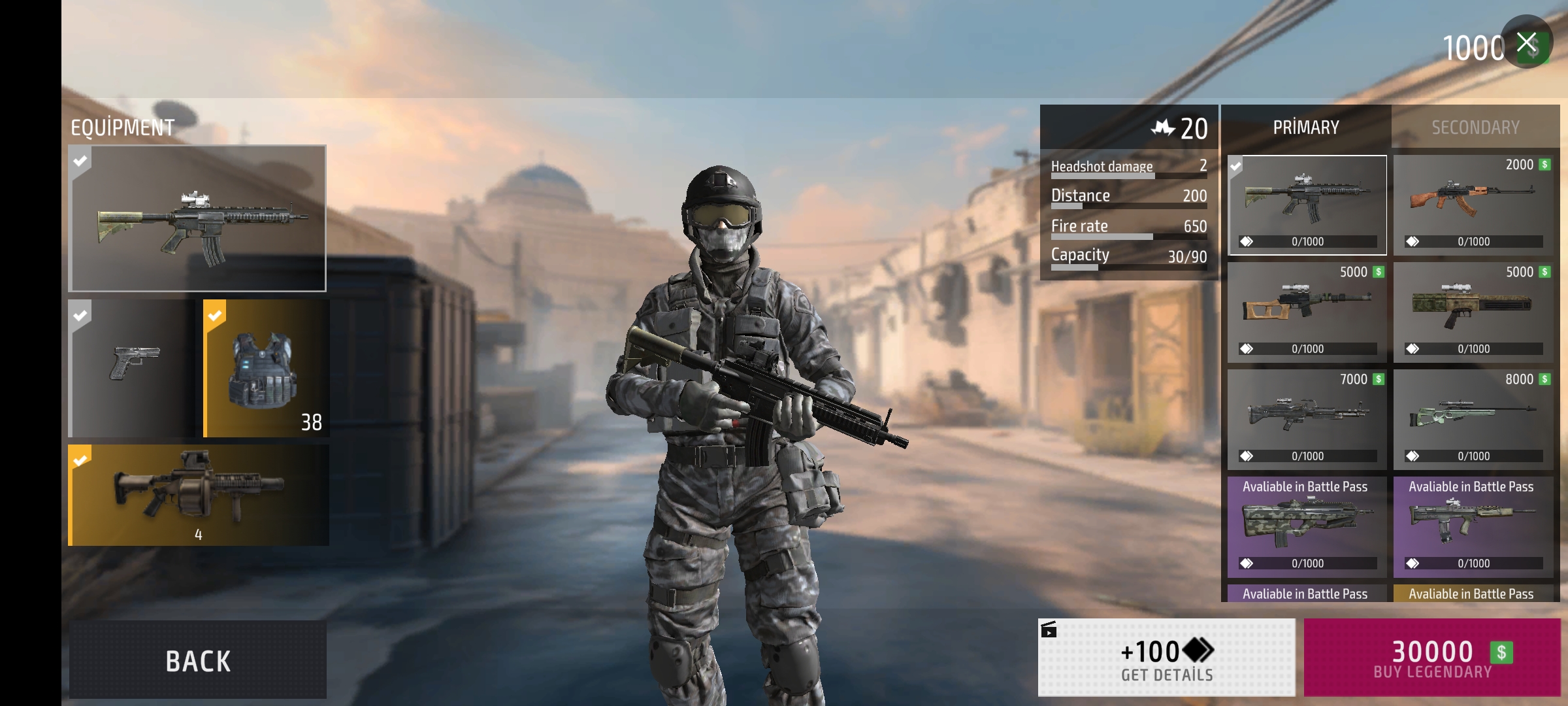
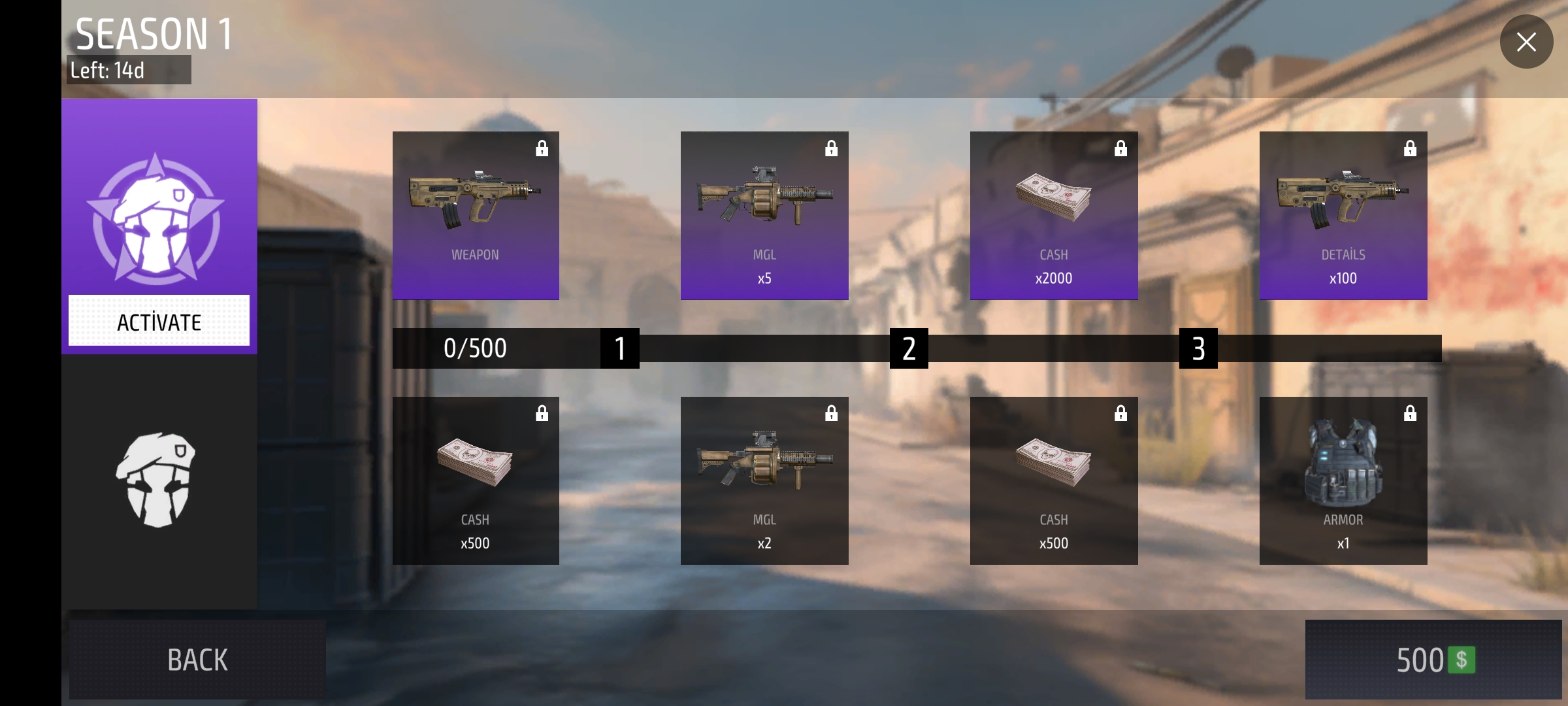
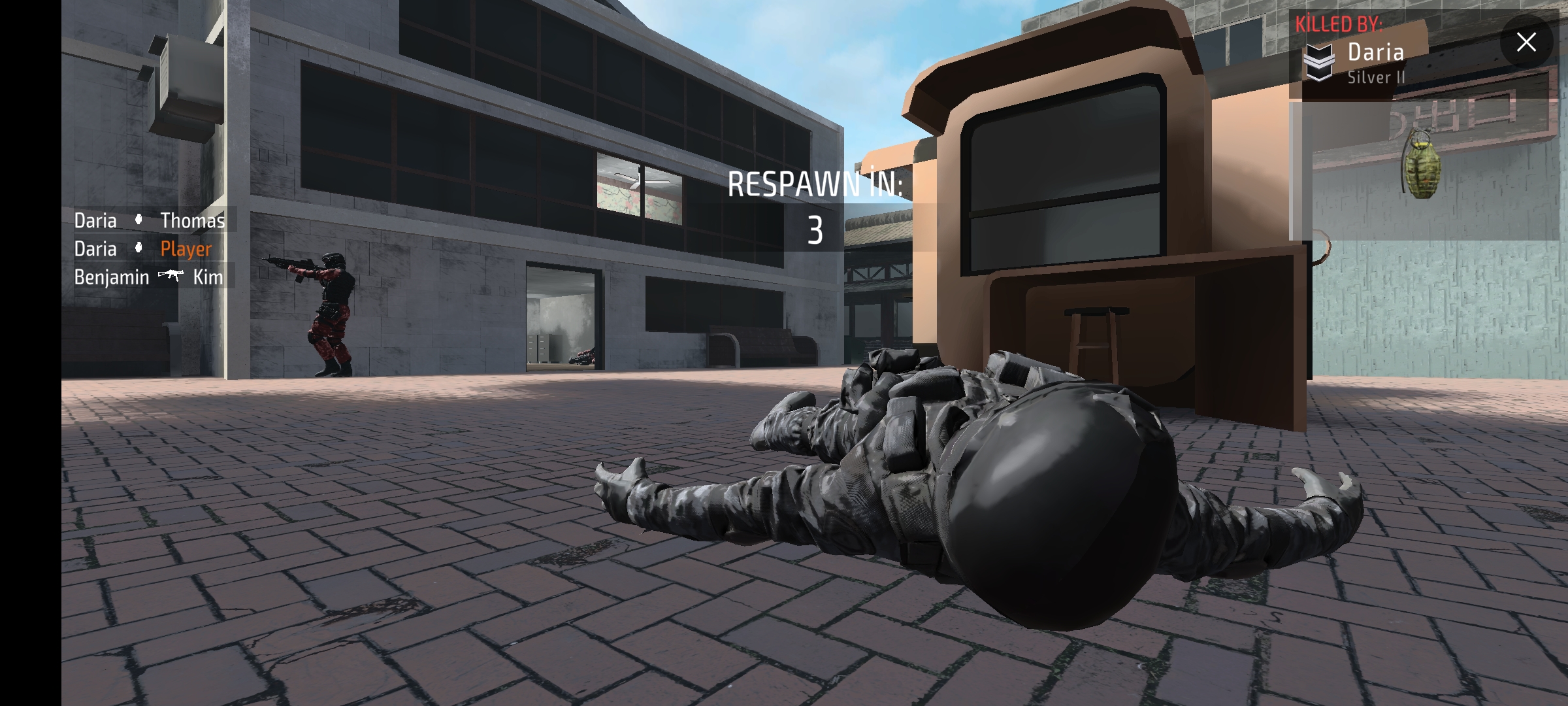
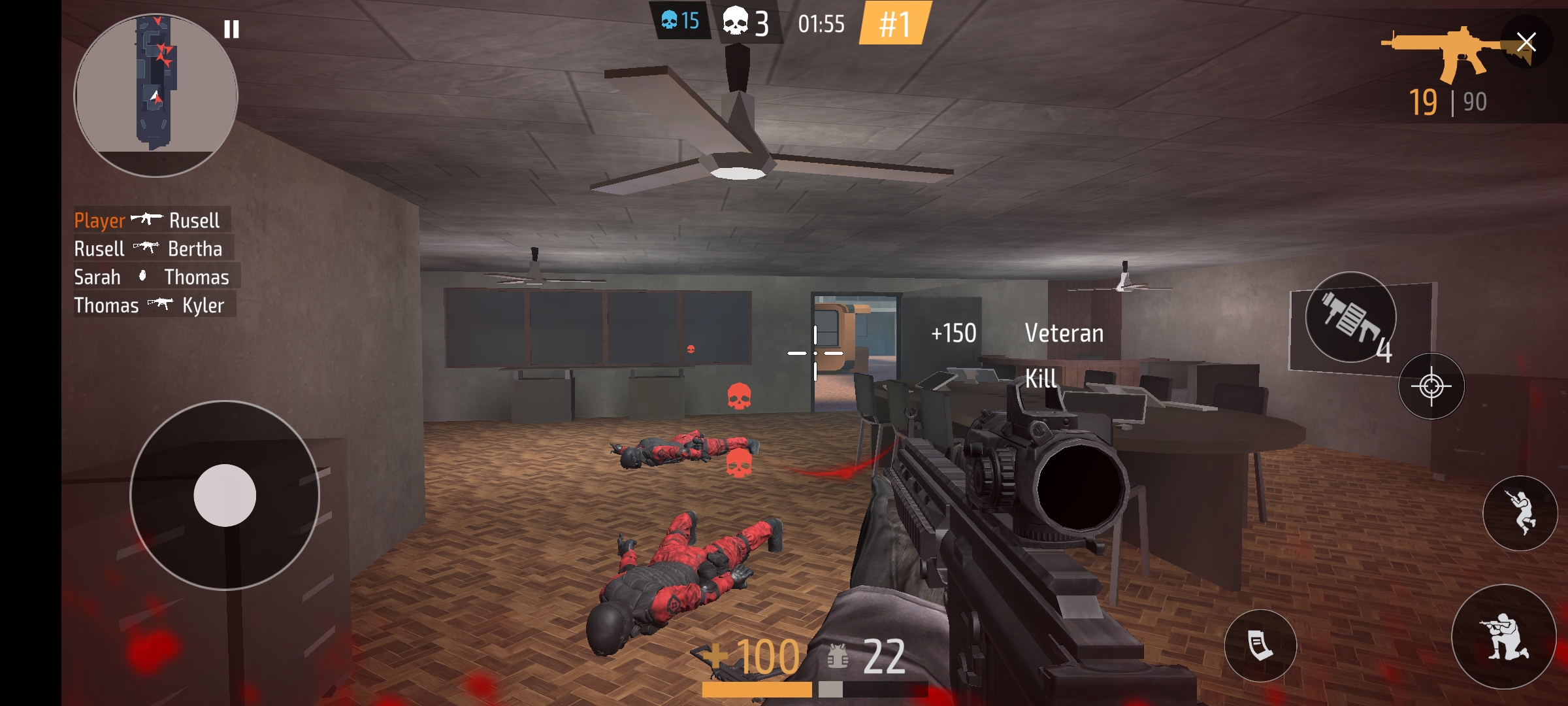
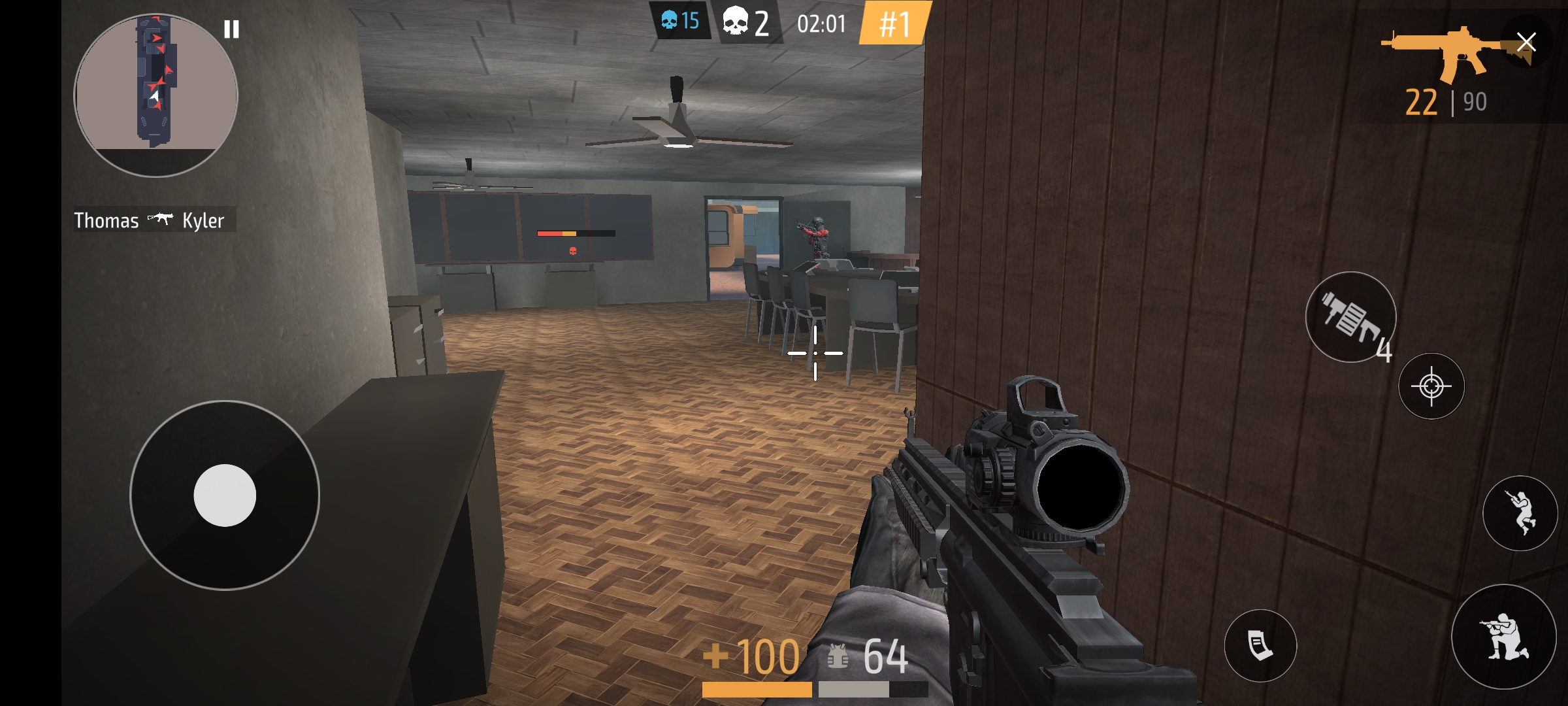
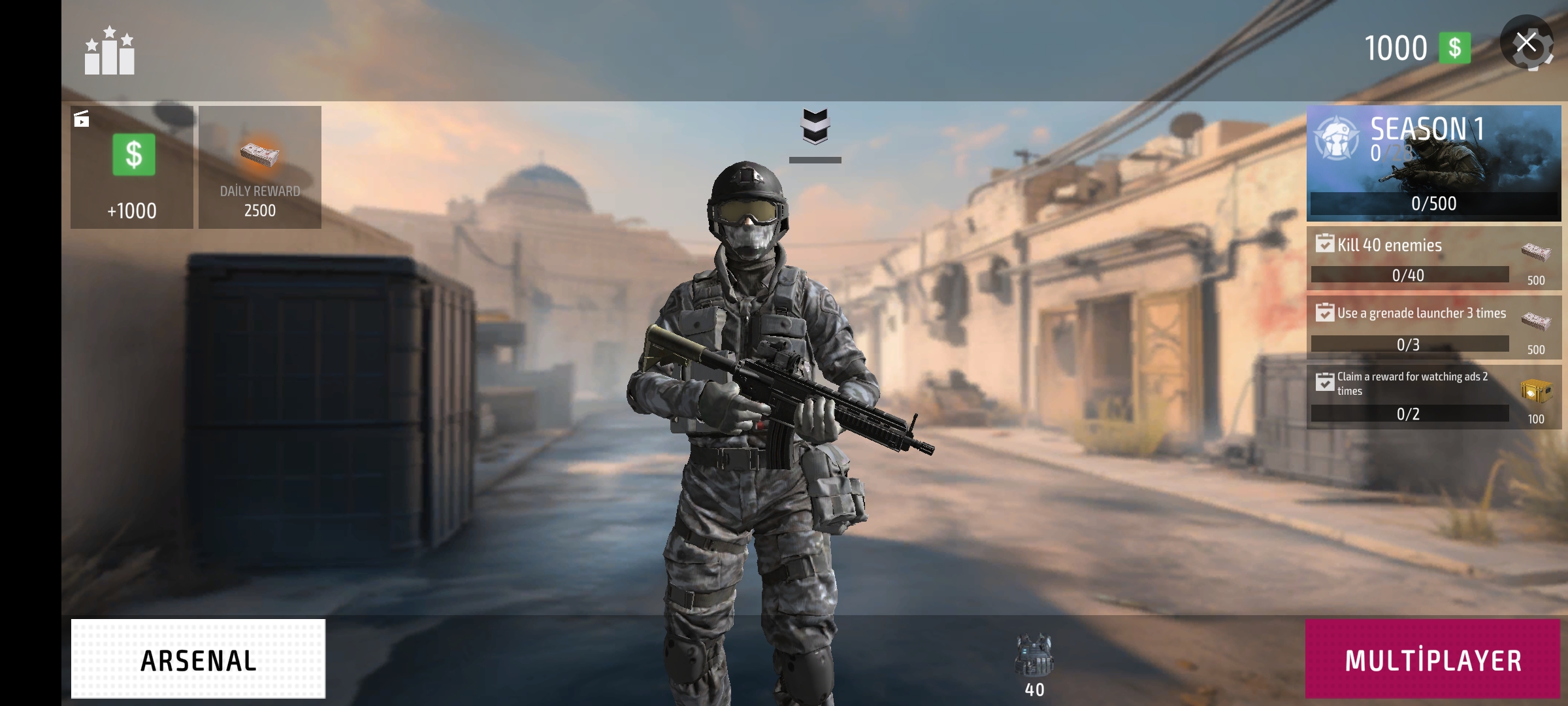
Dive into high-octane action with Commando Force 2! Engage in thrilling team battles or go head-to-head in free-for-alls. Unlock rewards through the Battle Pass while mastering diverse maps and weaponry. With smooth controls, stunning graphics, and strategic gameplay, it's a shooter experience that's easy to start, challenging to master.
Engage in team battles or free-for-all combat. Utilize various weapons and maps to outmaneuver opponents. Unlock rewards through the Battle Pass by completing objectives and achieving victory.
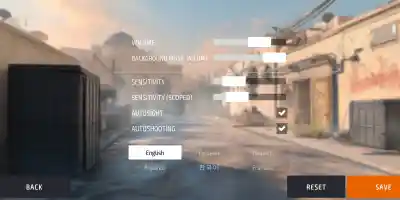
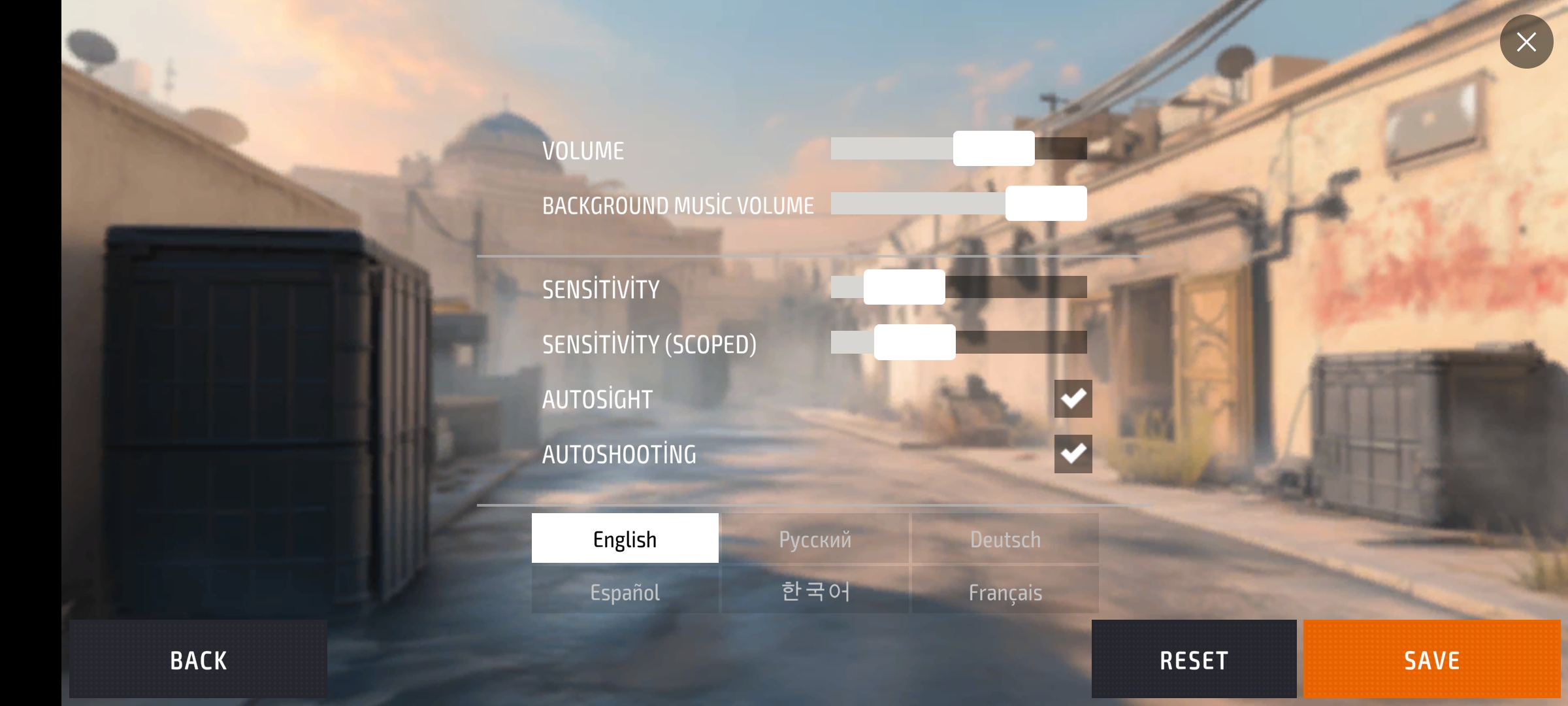
Standard FPS controls: WASD for movement, Mouse for aiming and shooting. Check in-game for specific keybinds.
Game Info
6
Plays
58
Views
0
Shares
Release Date 28 April 2025
Last Update 28 April 2025
Orientation Landscape


Comments
0💬
No comments yet. Be the first to comment!
🎮 Related Games
🧿 Most Viewed

Not Your Seafood Salad
0.0
🧿 Most Viewed

Climb Racing 3D
0.0
🧿 Most Viewed

Shell Strikers
0.0
🧿 Most Viewed
Grand City Driving 2
0.0
👑 Editor
Special Forces X
0.0
👑 Editor
Gun Blast
0.0
👑 Editor

gangster v
0.0
🧿 Most Viewed
Sniper Shooter
0.0
🧿 Most Viewed
Battle Simulator - Sandbox
0.0
🧿 Most Viewed
FPS Sniper Shooting: Production Facility
0.0
🧿 Most Viewed

House Robber Game
0.0
🧿 Most Viewed
Dino Simulator City Attack
0.0
🧿 Most Viewed

Meme Evolution Battle
0.0
🧿 Most Viewed

Drag Racing
0.0
🧿 Most Viewed

NextBoot Horror Online
0.0
🧿 Most Viewed

Last Quiver
0.0
Games Not Loading?
Safe Internet Deactivation Guide