 Turkish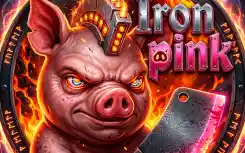
Iron pink
Iron pink
Editor's Choice 0.0 4 Plays
Iron pink
Editor's Choice 0.0
Action Bu oyun resmen kafa dağıtmalık! Domuz karakteriyle kurtlara girişiyorsun, hem de elinde ne ararsan var (testere, roket falan). Dövüş mekanikleri basit ama sarıyor, özellikle o komboları yapınca çok iyi hissettiriyor. Tam çerezlik bir şey!
Reviewed and approved by our editor Alpines563.
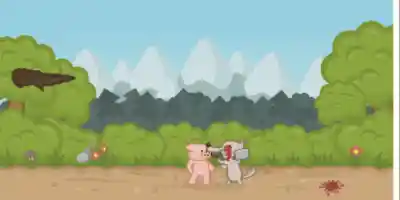
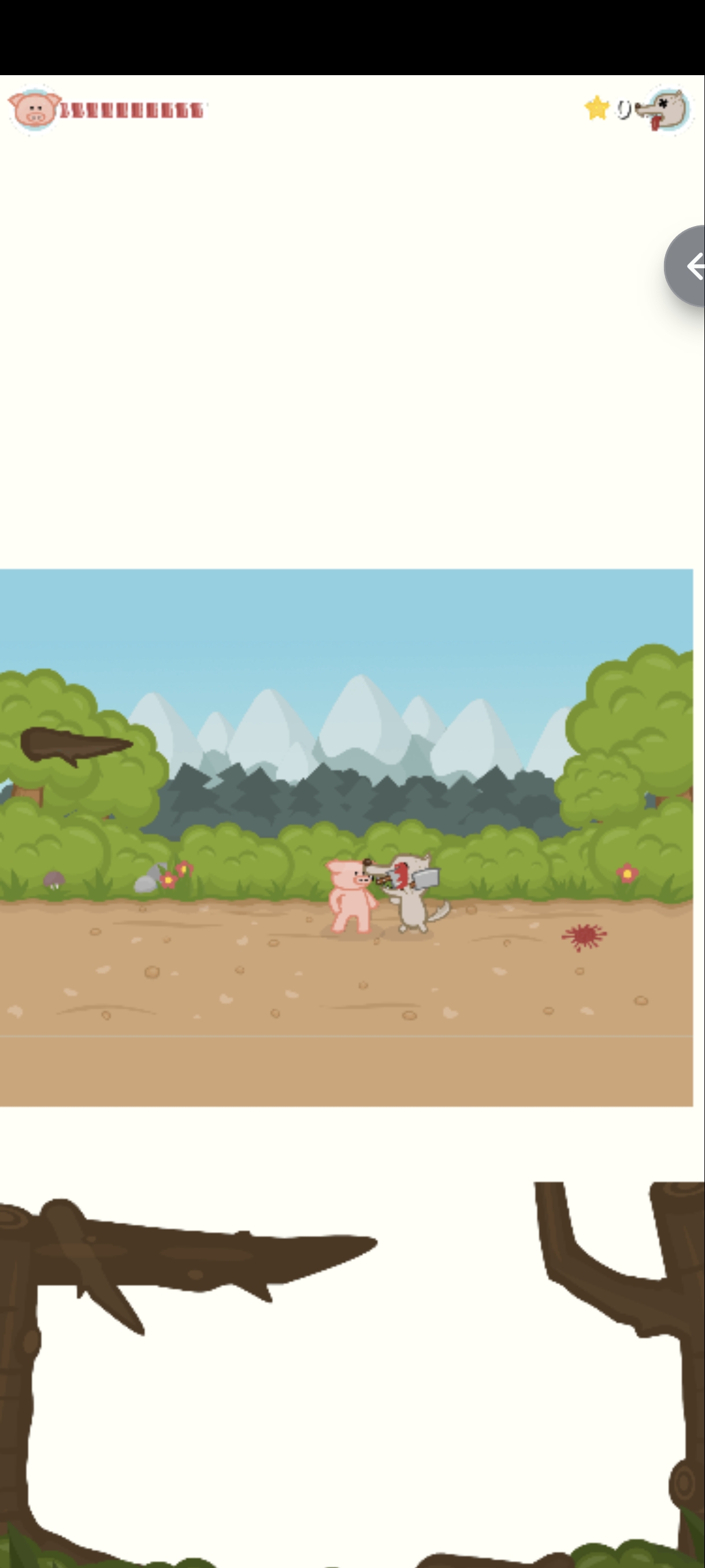
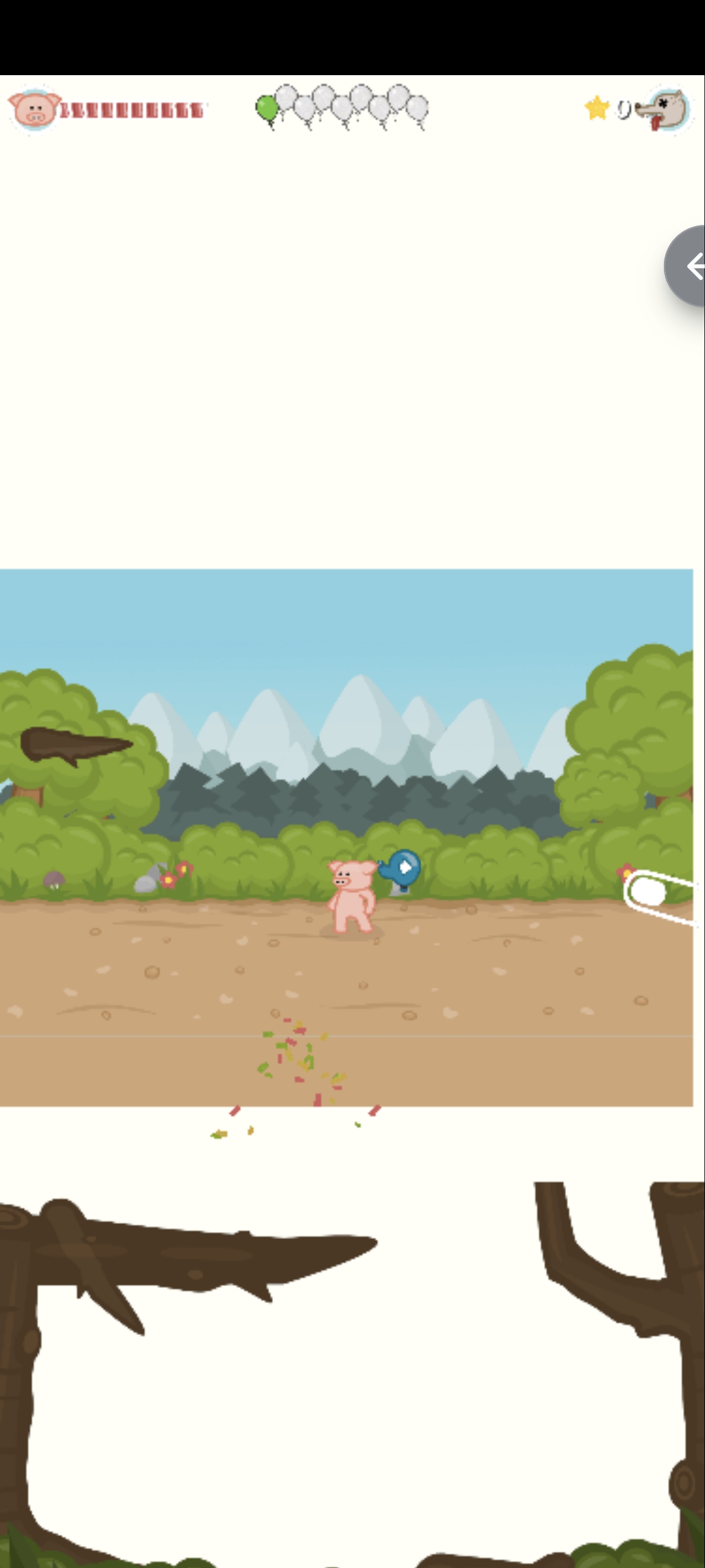
Iron Pink is a fast-paced, hilarious fighting game where you play as a fearless pig defending against an endless onslaught of hungry wolves! Use lightning-fast punches, kicks, and combos to smash, kick, and throw your enemies before they reach you. The action never stops as wave after wave of wolves attack from both sides, armed with everything from chainsaws to rockets. Features: - Addictive, never-ending fighting action - Dozens of unique enemies and crazy weapons to grab and use against them - Multiple characters to unlock, each with their own style - Different game modes including Classic and Survival
Mouse click tap or arrow keys to punch and kick Catch and throw enemy weapons Survive the endless waves
Mouse, Touch, Arrow Keys

Game Info
4
Plays
13
Views
0
Shares
Release Date 19 June 2026
Last Update 23 June 2026
Orientation Landscape


Comments
0💬
No comments yet. Be the first to comment!
🎮 Related Games
Lab Escape
0.0

Cowboy zombie
0.0

Jelly Volley Clash
0.0

Hand War
0.0

Tower Rise
0.0
👑 Editor

Worms Zone
0.0

Car Battle
0.0
Empire Tower Defense - Zombie Fortress
0.0

Crazy Counter Attack
0.0
Crazy Difficult Game
0.0

Jump for Brainrot
0.0

Dungeon Knight
0.0

Mountain Tank
0.0

Finding Animal
0.0

Balls Vs Lasers
0.0

Crazy Plane Shooter
0.0
Games Not Loading?
Safe Internet Deactivation Guide