 Turkish
Stick War: Tower Mighty Defense
Stick War: Tower Mighty Defense
Editor's Choice 0.0 4 Plays
Stick War: Tower Mighty Defense
Editor's Choice 0.0
Action This stickman defense game is surprisingly deep. It's not just about spamming attacks; you really have to think about your moves and when to upgrade. Kinda addictive, honestly, especially when you finally beat a tough level.
Reviewed and approved by our editor Alpines563.
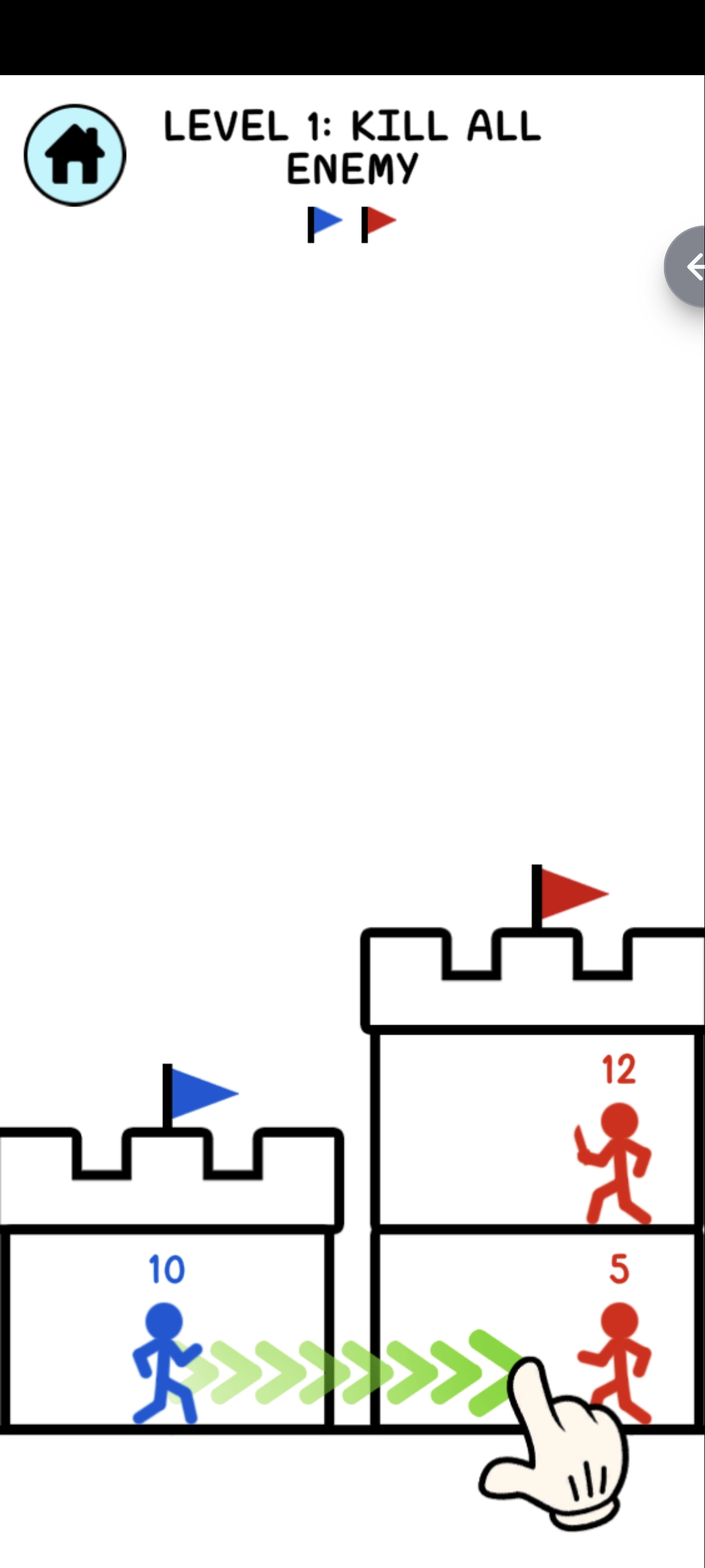
Stick War: Tower Mighty Defense is an exciting rescue adventure where you control a brave blue stickman hero. Attack enemy towers, defeat powerful monsters, and collect new weapons to boost your strength. Each level becomes more challenging, requiring smart strategies and quick moves. Can you conquer all the towers and save the princess? Start your epic journey now!
bull Drag and drop the blue stickman to attack enemies bull Defeat enemies by having a higher strength number bull Rescue the princess by clearing all enemies bull Collect weapons to boost your power bull Plan your moves carefully to
Mouse/Touchscreen (Drag and Drop)







Game Info
4
Plays
113
Views
1
Shares
Release Date 3 June 2026
Last Update 28 October 2026
Orientation Portrait


Comments
0💬
No comments yet. Be the first to comment!
🎮 Related Games
👑 Editor

The Superhero League
0.0
🧿 Most Viewed

Rainbow Friends. Survival
0.0
🧿 Most Viewed

Square Fling
0.0
🧿 Most Viewed

Gem Clicker
0.0
🧿 Most Viewed

Crowd War Run
0.0
🧿 Most Viewed

Puzzle Drive
0.0
🧿 Most Viewed

Flamit
0.0
🧿 Most Viewed

Space Transport
0.0
🧿 Most Viewed

Letters Coloring Book
0.0
🧿 Most Viewed

Weapon Run
0.0
🧿 Most Viewed

Talking Tom Coloring Books
0.0
🧿 Most Viewed

Street Car Race Ultimate
0.0
🧿 Most Viewed

Neon Brick Master
0.0
👑 Editor

Wild Hunting Clash
0.0
👑 Editor

Super Cat Free Fire
0.0
🧿 Most Viewed

Time Bomb Rush
0.0
Games Not Loading?
Safe Internet Deactivation Guide