 Turkish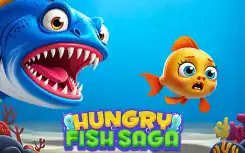
Hungry Fish Saga
Hungry Fish Saga
0.0 1 Plays
Hungry Fish Saga
0.0
2 Player This Hungry Fish game is a total time-killer, classic IO style. It's super simple to pick up but can get surprisingly competitive, especially with friends. Great for a quick, fun session.
Reviewed and approved by our editor Alpines563.
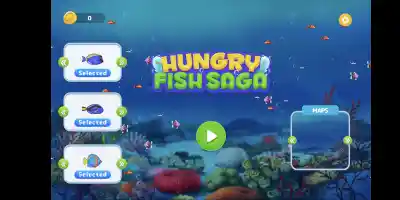
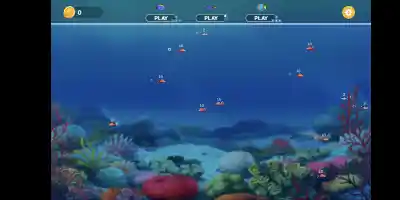
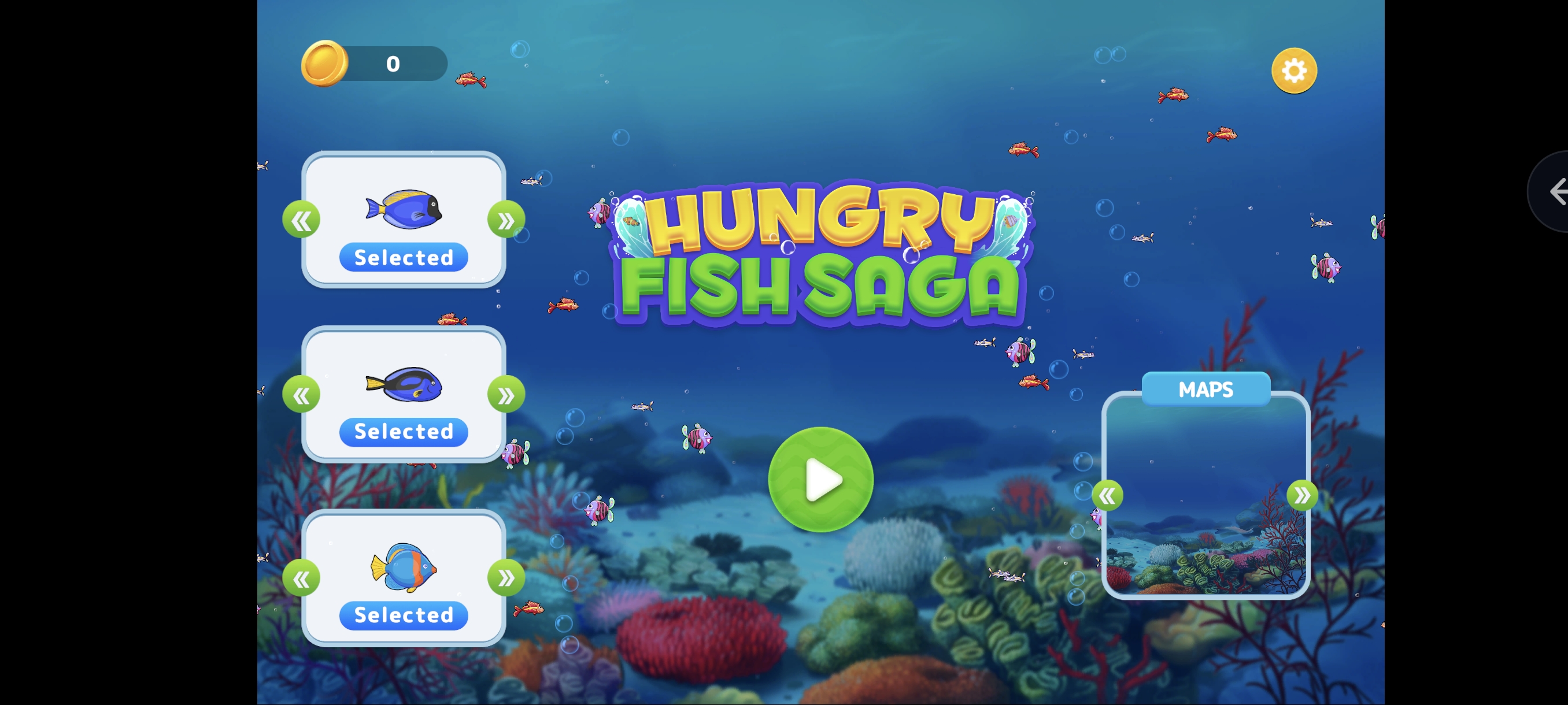
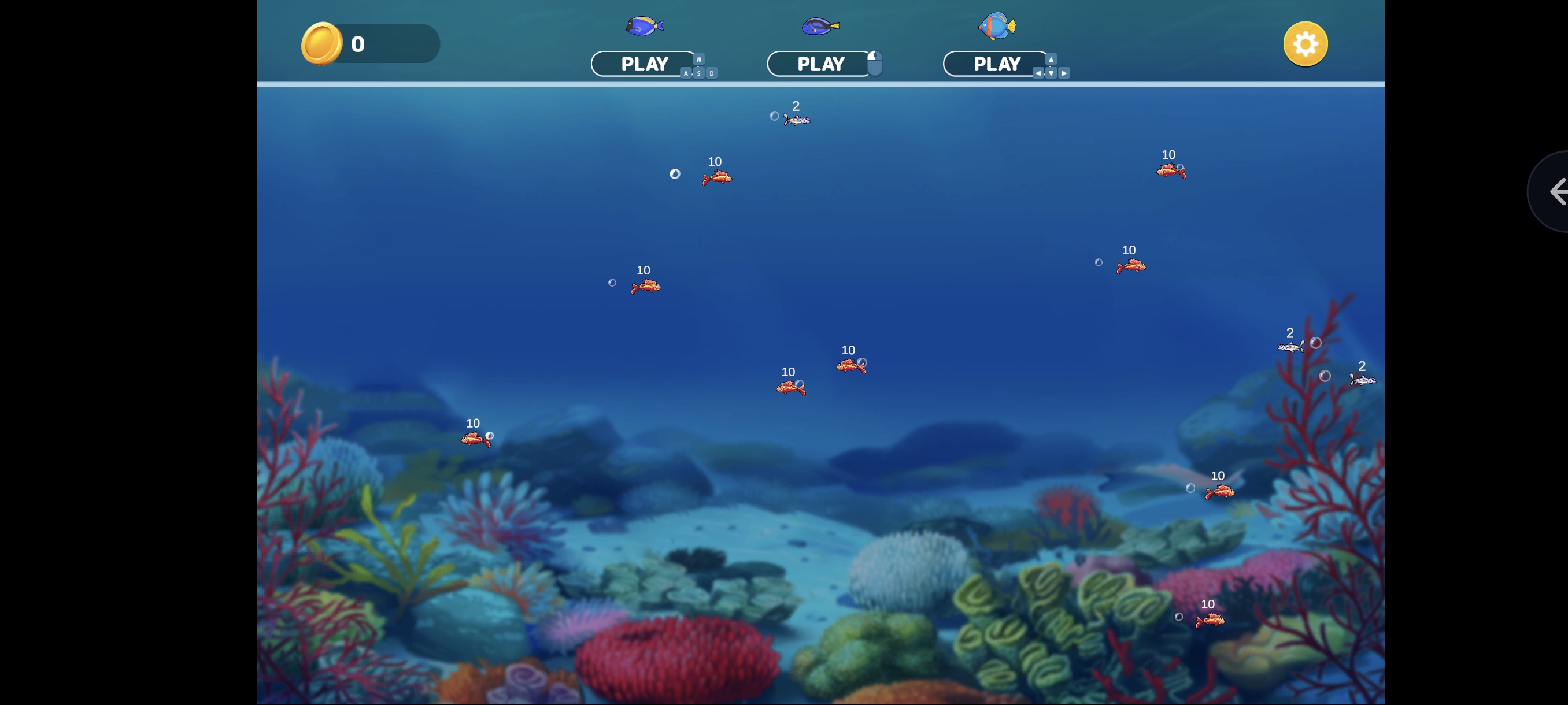
Hungry Fish Saga is casual water game where you swim around the ocean, munching your way through smaller fish to grow in size! This classic IO gameplay dynamics can be quite addictive, so prepare to challenge yourself to eat or be eaten. Gather your friends and engage in local multiplayer mode with up to three players! How to Play Fish Eat Getting Big Hunt the sea for fish Explore the oceans depths and encounter a wide variety of fish species. You can eat any fish with a smaller number than yours. If you try to eat a fish with a higher number, you’ll die and have to start again. Grow into a fearsome predator As you progress, your fish
Player 1 Use WASD to move Player 2 Use arrow keys to move Player 3 Drag the left mouse button to move
Player 1: WASD keys. Player 2: Arrow keys. Player 3: Left Mouse Button (drag).
Game Info
1
Plays
51
Views
0
Shares
Release Date 3 June 2026
Last Update 27 October 2026
Orientation Landscape


Comments
0💬
No comments yet. Be the first to comment!
🎮 Related Games
🧿 Most Viewed

Elemental Friends Adventure
0.0
👑 Editor

Iron pink
0.0
🧿 Most Viewed

Vegetable Spelling Puzzle
0.0
🧿 Most Viewed
Scratch Emulator
0.0
🧿 Most Viewed

Bowmasters2
0.0
🧿 Most Viewed

Geometry Gunner
0.0
🧿 Most Viewed

Going Right
0.0
🧿 Most Viewed

Panda Lu Treehouse
0.0
🧿 Most Viewed

Gun Shot
0.0
👑 Editor

Gangster Kabali Game
5.0
🧿 Most Viewed

PC and Laptop Tech Quiz
0.0
🧿 Most Viewed

Real Snake Simulator 3D
0.0
🧿 Most Viewed
TrashTide
0.0
🧿 Most Viewed

Weapon Duel
0.0
🧿 Most Viewed

My First 100 Words
0.0
🧿 Most Viewed

Fastlane: Road to Revenge
0.0
Games Not Loading?
Safe Internet Deactivation Guide