 Turkish

Plants Vs Zombies: Merge Defense
Plants Vs Zombies: Merge Defense
Editor's Choice 0.0 0 Plays
Plants Vs Zombies: Merge Defense
Editor's Choice 0.0
Boys If you like the classic Plants Vs Zombies vibe but want something a bit more strategic, this is it. Merging plants adds a cool layer, and you'll definitely be glued to the screen figuring out the best combos. It's a solid tower defense game!
Reviewed and approved by our editor Ubeydullah Alpfidan.
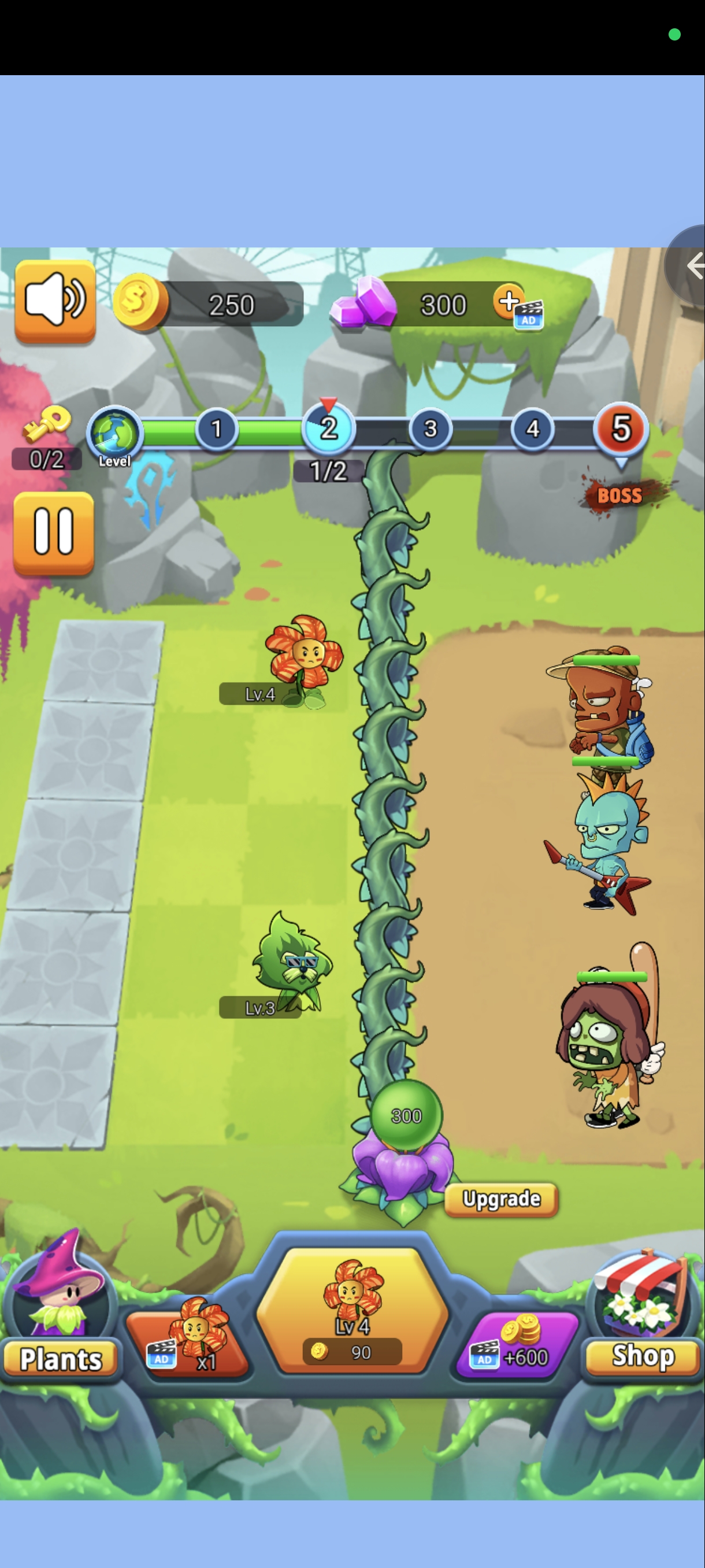
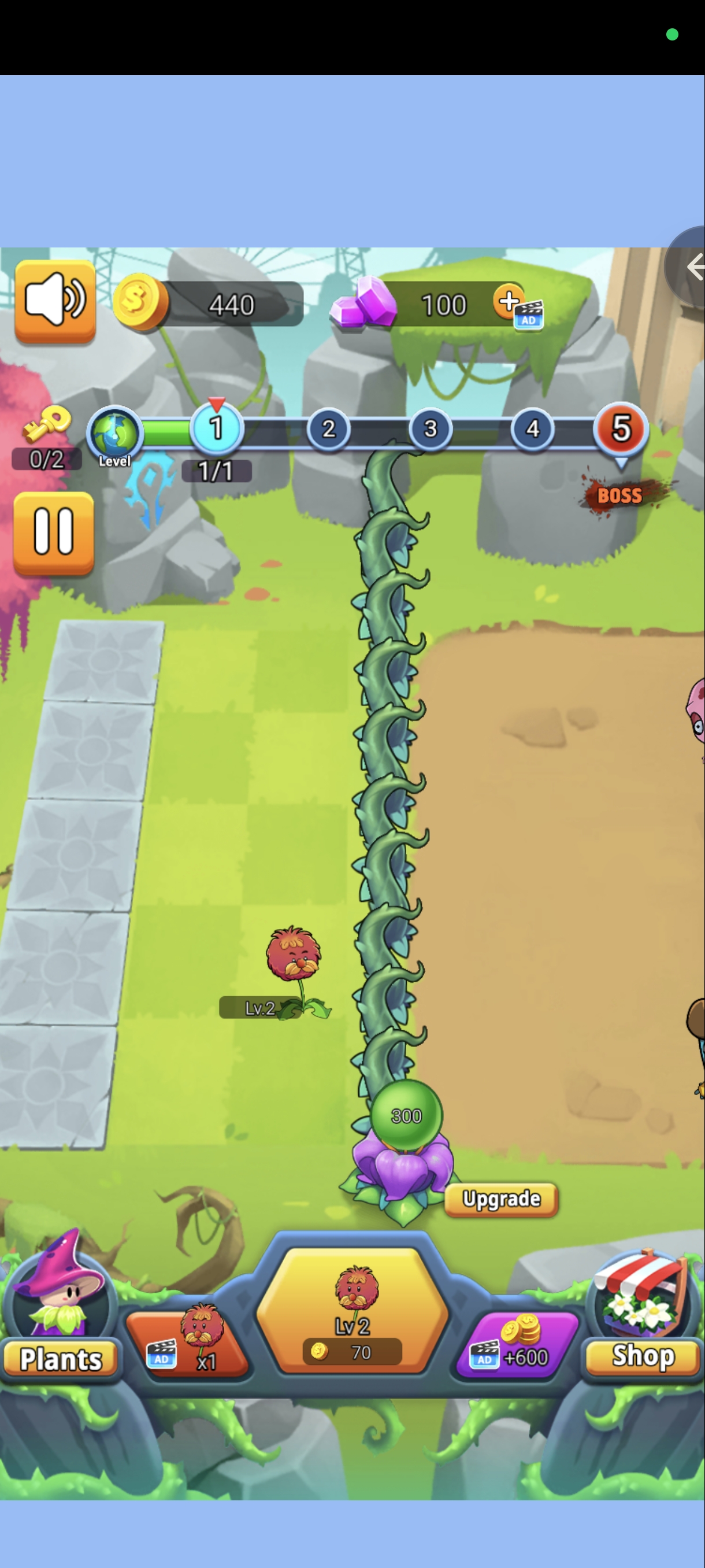
Plants Vs Zombies Merge Defense is an army of merged plants to protect your garden from countless zombies. Your goal is to protect your garden from challenging waves of zombies. Experimenting with different plant combinations and positioning is the key to maximizing your defense capabilities and overcoming tough challenges. Prepare your defenses, merge your plants wisely, and unleash the full power of your green army to triumph over the relentless hordes of brain-craving zombies!
1 Click the mouse or tap the screen to grow plants to prevent zombies from attacking 2 The gold coins or diamonds obtained can be used to buy different heroes and plants and upgrade them to stop the attack of zombies 3 Similar plants can be merged to
Mouse/Touchscreen


Game Info
0
Plays
3
Views
0
Shares
Release Date 15 June 2026
Last Update 18 June 2026
Orientation Portrait


Comments
0💬
No comments yet. Be the first to comment!
🎮 Related Games

Mahjong Triple 3D Tile Match
0.0

Piano Game star 5
0.0

Dungeon Knight
0.0

Mini Car Racing
0.0

Drunken Duel
0.0

Squid Race
0.0

Duty Call Modern Warfate 2
0.0

Takeover
0.0

Ninja Parkour Multiplayer
0.0

Emoji Couple Puzzle
0.0

Weird Toilet Flush!
0.0

Funny Virtual Pet
0.0

Fall Race 3D Game
0.0

Flag Master
0.0

Zombies 4 Weapon Merge
0.0

Paper Ball
0.0
Games Not Loading?
Safe Internet Deactivation Guide